Why does my computer keep restarting by itself?
Investigate unexpected computer restarts by comparing signs of power problems, overheating, unstable memory, and driver crashes, with guidance on when to seek hands-on help.
Read more →Guide index
Plainspoken how-to material for people who want to understand and use their technology.
Investigate unexpected computer restarts by comparing signs of power problems, overheating, unstable memory, and driver crashes, with guidance on when to seek hands-on help.
Read more →
Troubleshoot a missing boot device by checking drive detection, connections, boot order, firmware mode, and bootloader problems while protecting existing data.
Read more →
Explore why Windows reports that a device is offline, including sign-in requirements, disabled networking, router problems, captive portals, and incorrect date or time settings.
Read more →
Understand common causes of laptop overheating and shutdowns, including blocked airflow, aging cooling components, fan problems, and excessive background activity.
Read more →
Investigate a laptop's plugged-in-but-not-charging message by checking charger compatibility, battery health, charging limits, power connections, and firmware behavior.
Read more →
Understand why a hard drive may click and how to prioritize data protection, recognize possible drive or power failures, and avoid actions that could make recovery harder.
Read more →
Troubleshoot freezing or dropped video calls by checking Wi-Fi strength, upload congestion, drivers, browser acceleration, and router traffic management.
Read more →
Find out why a computer fan stays loud, from dust and background activity to cooling problems, fan settings, and worn bearings.
Read more →
Investigate persistent computer slowness after a restart by checking storage bottlenecks, memory pressure, system files, background activity, and thermal throttling.
Read more →
Narrow down frequent internet dropouts by checking Wi-Fi interference, router placement, firmware, modem signals, and adapter power settings before deciding who to contact.
Read more →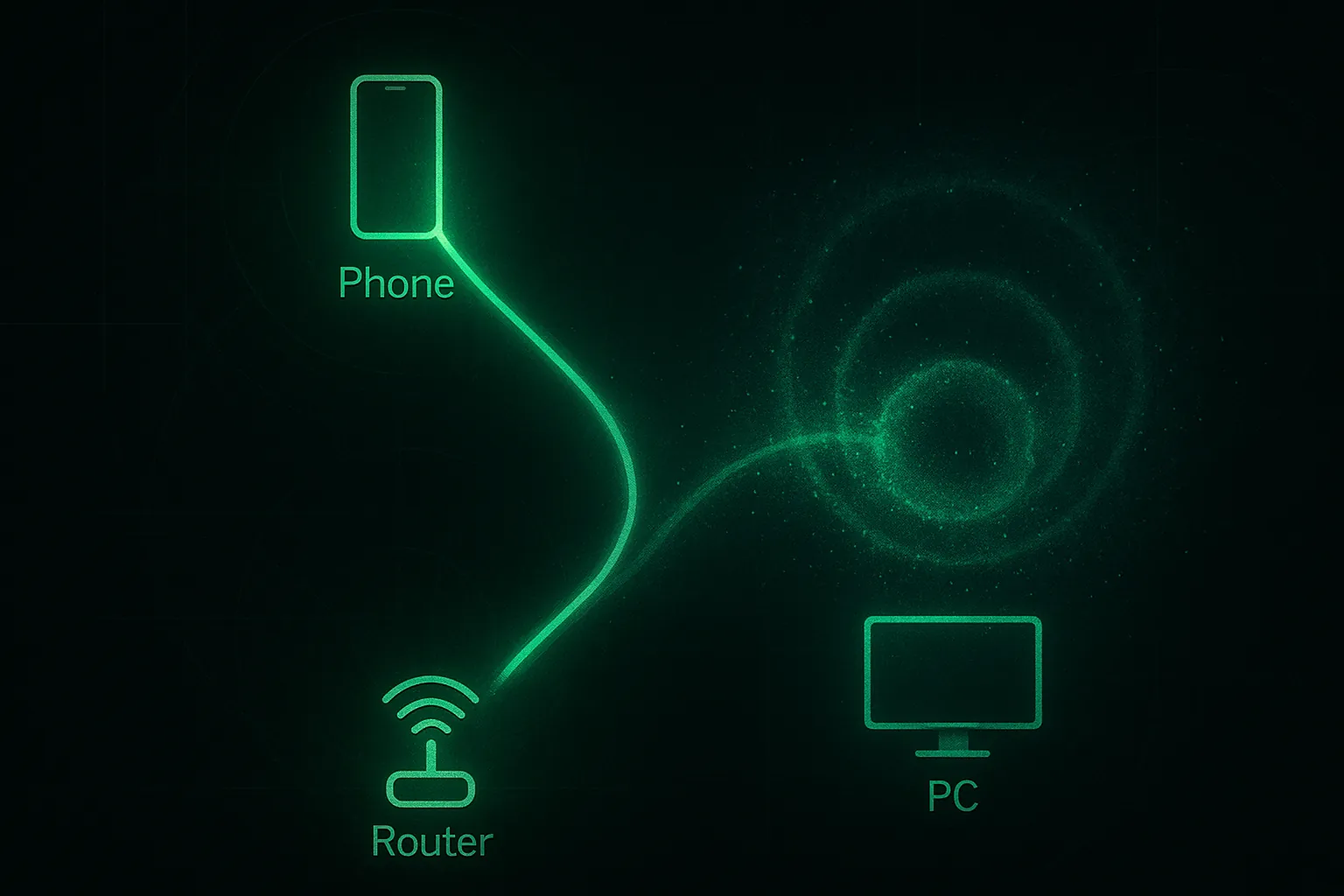
Compare a slow PC connection with a faster phone by checking Wi-Fi bands, network drivers, Ethernet link speed, VPNs, and background traffic.
Read more →
Troubleshoot a laptop battery that will not charge by examining charger power, charging ports, battery wear, firmware, and USB-C cable compatibility.
Read more →
Investigate an unrecognized USB drive by checking ports and power, drive letters, filesystem compatibility, and drivers, with attention to preserving stored files.
Read more →
Work through possible reasons a computer will not power on, from outlets and adapters to internal power connections and hardware faults, with clear stopping points for hands-on help.
Read more →
Troubleshoot a blank monitor while the computer runs by checking the selected input, cables, graphics outputs, GPU power, and possible display faults.
Read more →
Investigate printer Wi-Fi problems involving network names, wireless bands, security modes, device isolation, drivers, and signal strength.
Read more →
Explore common causes of failed Windows updates, including stuck update caches, damaged system files, security software conflicts, low disk space, and version or driver restrictions.
Read more →
An introduction to switching to Linux for everyday computing, covering familiar browser tasks, software installation, files, updates, hardware support, and the learning curve.
Read more →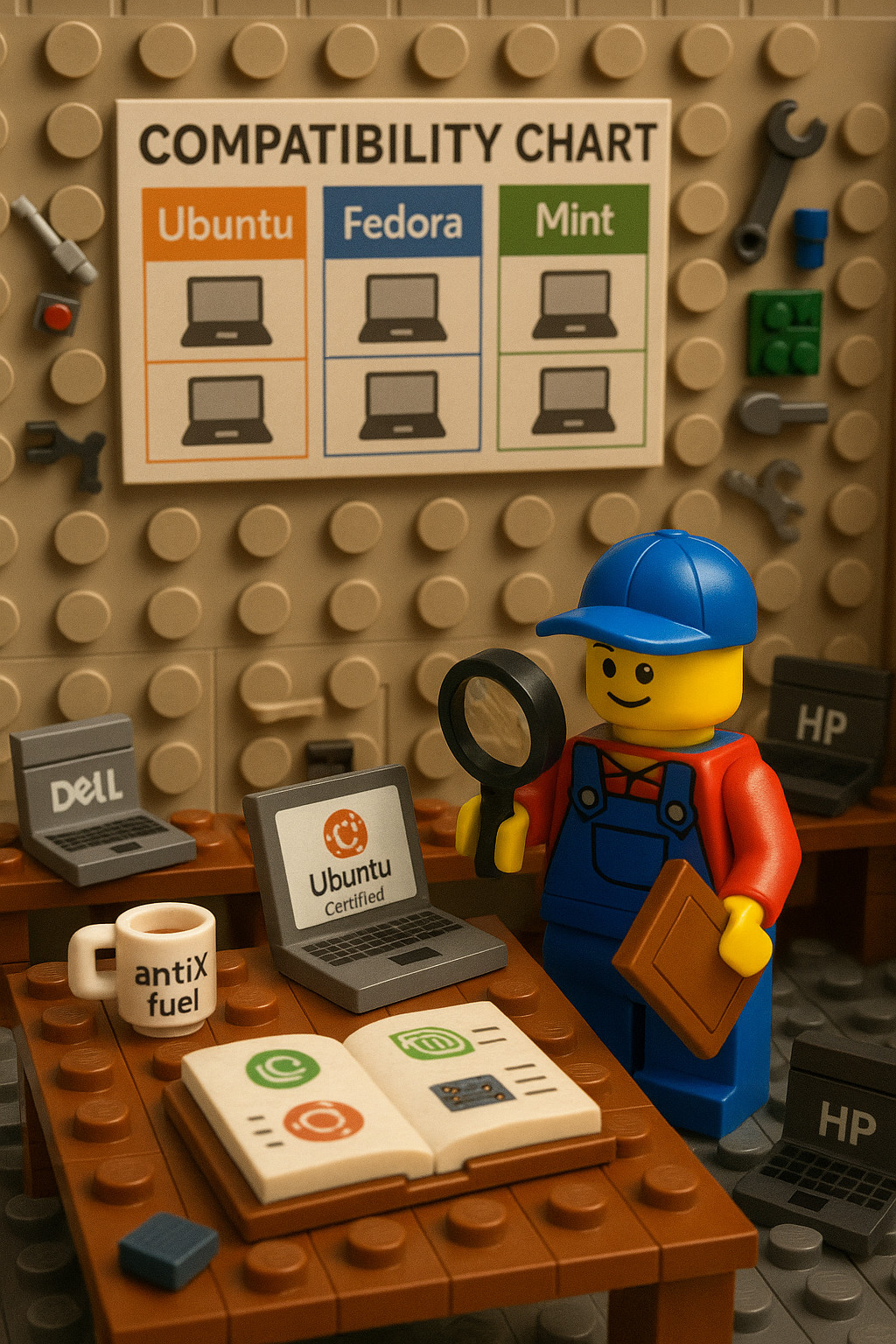
A reference for matching older computers to Linux distributions by manufacturer, model family, and year, with full-featured and lightweight options and preparation notes.
Read more →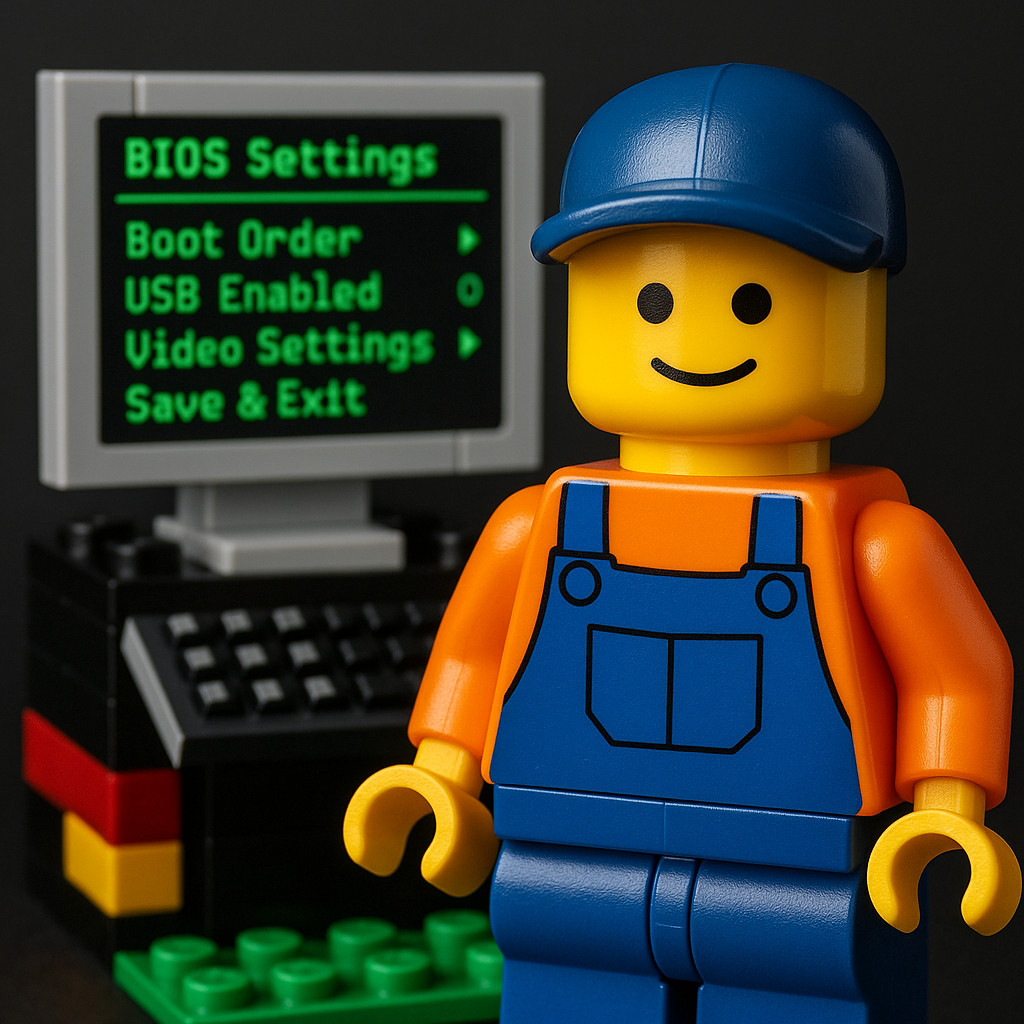
A manufacturer-by-manufacturer reference to USB boot menus and firmware settings, with notes on Secure Boot, recovery tools, platform differences, and BitLocker recovery risks.
Read more →