Omarchy OS: How do I open the Omarchy menu?
Press Super + Space to open the Omarchy menu.
Read more →Guide index
Plainspoken how-to material for people who want to understand and use their technology.
Press Super + Space to open the Omarchy menu.
Read more →The official manual is at omarchy.org/manual.
Read more →The official Omarchy ISO installer is designed to work offline; connect to Wi-Fi after the first boot.
Read more →Learn the menu and shortcuts, connect to your network, and update the system.
Read more →Yes, but graphics performance and setup vary by virtual-machine platform.
Read more →Yes. The Omarchy installer offers a free-space option for installing into unallocated space beside another operating system.
Read more →The full-disk installation erases the selected drive.
Read more →Download the official Omarchy ISO, write it to a USB drive, boot from it, and follow the installer.
Read more →Omarchy needs hardware that can run its Arch-based, Hyprland desktop; suitability depends especially on graphics and display support.
Read more →Omarchy starts with Arch Linux and adds a ready-to-use Hyprland desktop, apps, themes, shortcuts, and setup tools.
Read more →Omarchy is an Arch-based Linux system with a keyboard-driven Hyprland desktop and a curated set of applications.
Read more →
What to expect during a computer repair: initial pricing, compatible-parts research, a final quote, parts arrival, and the repair itself.
Read more →
An introduction to combining Fedora or Ubuntu with Brave and ProtonMail, explaining the proposed privacy benefits and local help available for switching.
Read more →
Common problems in decade-old computers, from failing drives and overheating to limited memory and aging software, with upgrade options and signs it may be time to retire the machine.
Read more →
Troubleshoot printer connection problems after a Windows update by examining driver changes, stalled print jobs, network discovery, and shared-printer settings.
Read more →
Learn why a Wi-Fi network may not appear on your computer, including disabled adapters, incompatible bands, hidden networks, driver issues, and weak signals.
Read more →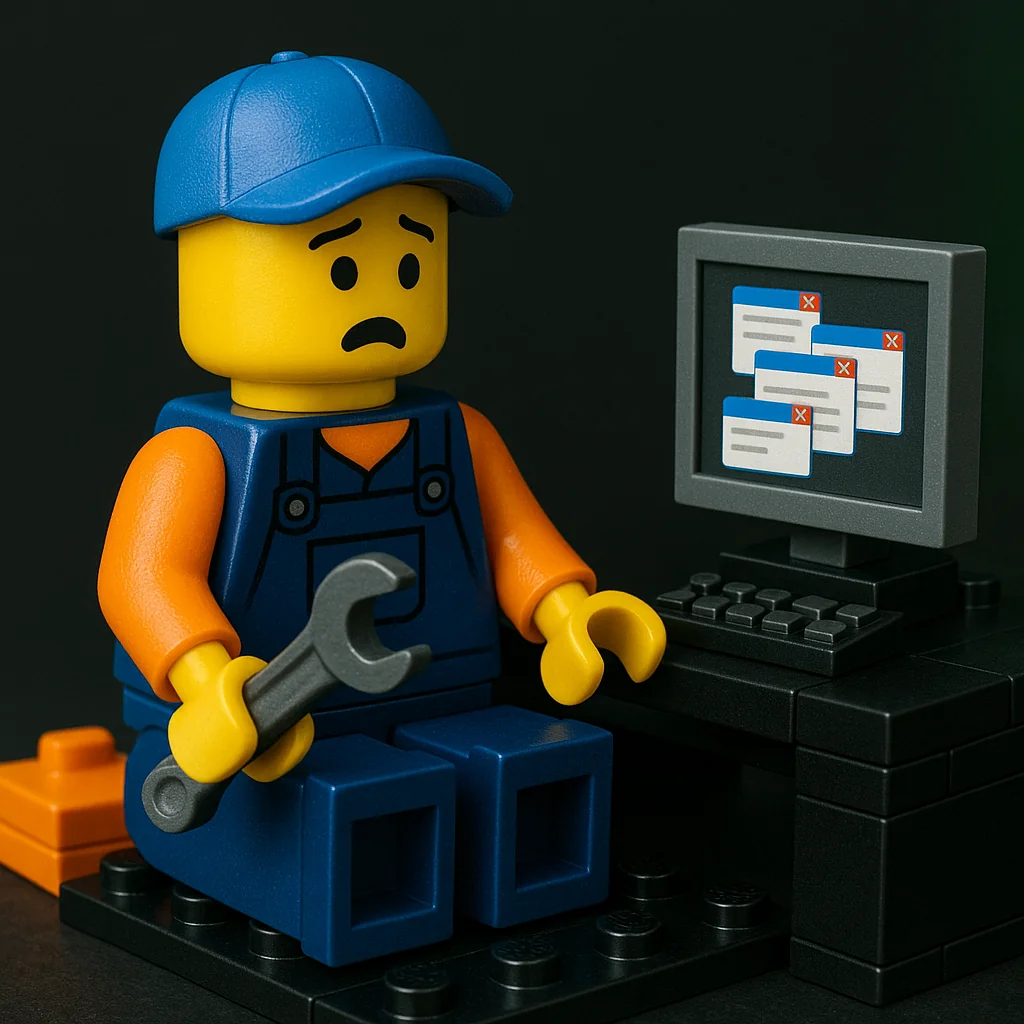
Identify possible causes of unwanted browser tabs, including rogue extensions, notification permissions, suspicious software, and network settings, with checks to narrow down the problem.
Read more →
Understand startup beep codes and how they can indicate memory, graphics, power, or other hardware faults, using the computer or motherboard manual to interpret the pattern.
Read more →
Investigate slow computer startup by checking startup applications, drive health, memory pressure, system files, and firmware or storage drivers.
Read more →
Track down intermittent freezes and lag by examining disk activity, memory use, temperatures, background software, and driver conflicts.
Read more →