Why is my internet dropping out so often?
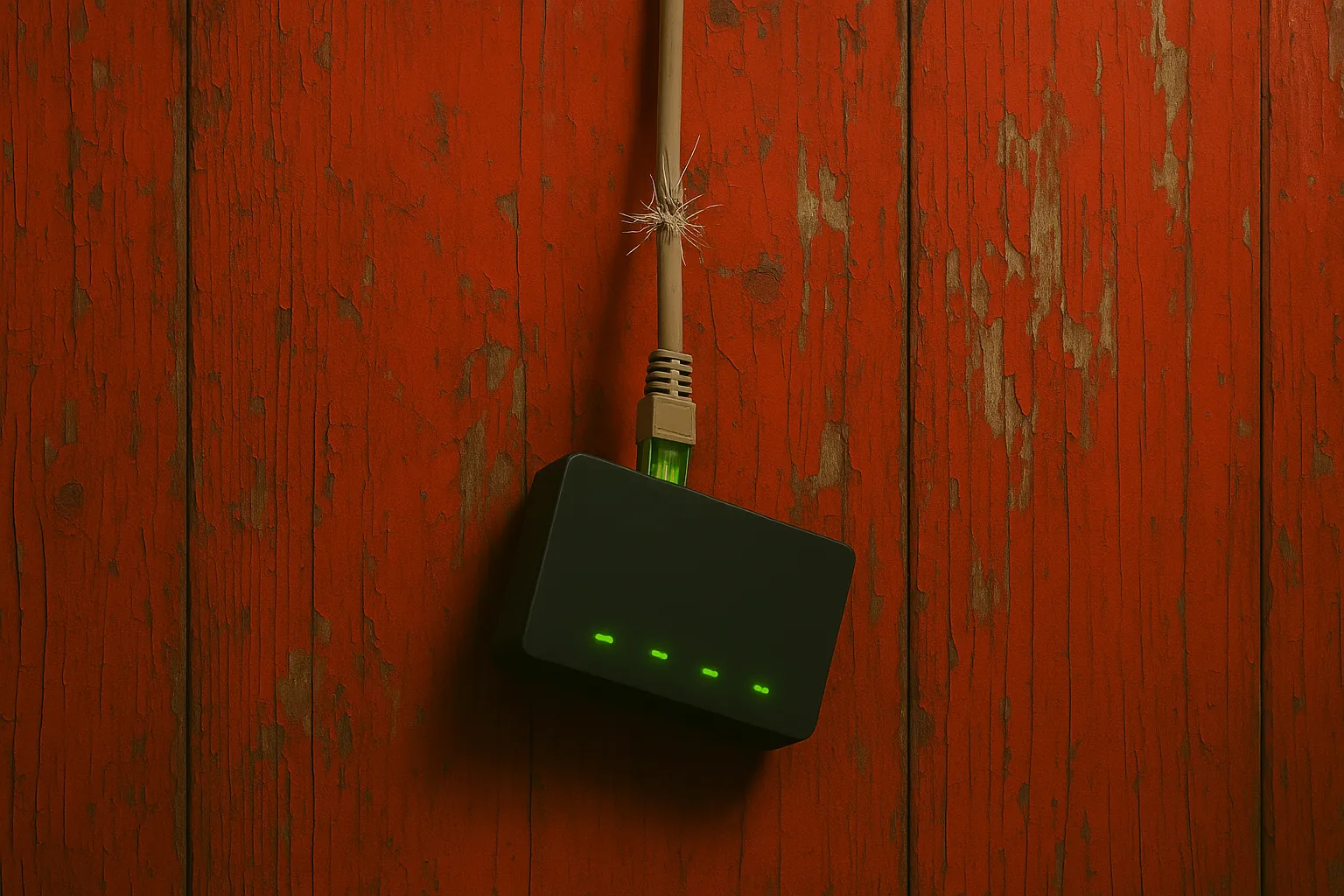
A few likely culprits:
- Router placement and interference (microwaves, fish tanks, brick walls).
- Overcrowded 2.4 GHz channel; a quick channel scan can help.
- ISP modem signal issues or aging coax/connectors.
- Firmware bugs on the router; reboot helps, firmware update helps more.
- Device power saving turning off Wi-Fi adapters intermittently.
Need help? Check here: /services/house-calls/
What it might be (likely causes)
-
Placement & obstacles
Wi-Fi hates water and masonry. Aquariums, brick fireplaces, and metal racks can scatter or absorb signal. See practical placement notes and real-world examples here: /posts/kirksville-wifi-dead-zones/ -
Congested 2.4 GHz
In apartments and dense neighborhoods, overlapping 2.4 GHz channels create constant retries that look like “random” drops. 5 GHz (or 6 GHz if supported) and a clean channel usually stabilize things. More on shared-air headaches: /posts/router-interference-apartments/ -
ISP side signal
Loose F-connectors, moisture-wicked coax, or a tired modem can cause momentary loss of sync. If drops hit every few minutes or hours on all devices, suspect the line or modem. Local provider context: /posts/isps-in-kirksville/ -
Router firmware / memory pressure
Older routers leak memory or crash under heavy traffic (cloud backup, game updates, smart-home chatter). A firmware update or a scheduled reboot can buy time; a modern router is the long fix. Good defaults and small-town-safe settings: /posts/router-settings-small-town/ -
Client power saving
Laptops and phones sometimes “nap” their radios. On Windows, check Device Manager → Network Adapter → Power Management and uncheck “Allow the computer to turn off…”.
Things to check (quick, safe wins)
-
Map the signal in the rooms that matter
Stand where drops happen and note bars and speed consistency (not just peak). If walls or appliances are suspects, shift the router a few feet and retest. Room-by-room guidance: /posts/kirksville-wifi-dead-zones/ -
Separate SSIDs and bands
Give 2.4 GHz and 5 GHz different names (e.g.,Home-2GandHome-5G). Put streaming/gaming on 5 GHz. Keep smart plugs/cameras on 2.4 GHz. -
Pick a clean channel
Use the router’s auto-optimize, then manually set channels 1/6/11 on 2.4 GHz; pick a DFS-capable channel on 5 GHz if your devices support it. Settings walk-through: /posts/router-settings-small-town/ -
Direct-wire a suspect device
Plug one device into the router via Ethernet for an evening. If drops vanish only on Ethernet, the WAN is probably fine and Wi-Fi is the culprit. If Ethernet also drops, look upstream to the modem/ISP. -
Power and path sanity check
Ensure the ISP line hits the modem first, then a short known-good Ethernet to the router’s WAN. Remove splitters and unnecessary couplers. Hand-tighten coax ends. -
Firmware + reboot cadence
Update router and modem firmware if available. As a stopgap, schedule a weekly router reboot during off-hours.
When to call the ISP vs. when to call a tech
-
Call the ISP when the modem’s WAN light drops or the status page shows T3/T4 timeouts, or when every device (even wired) drops together. Note timestamps; ask for a line check and signal levels. Context: /posts/isps-in-kirksville/
-
Call a local tech when Wi-Fi is weak in certain rooms, certain devices misbehave, you need a mesh/AP placement plan, or you want VLAN/guest setups that don’t brick the household.
If you’re in multi-unit housing with competing routers on the same channels, these tips help tame the chaos: /posts/router-interference-apartments/
Insight
Internet reliability is a chain: wall jack → modem sync → router brain → radio environment → client device. Drops happen where variability is highest—usually RF (air) and old firmware. Treat it like fieldwork: isolate each link with one simple test, make one change at a time, and watch for stability over hours, not minutes. The goal isn’t max speed; it’s predictability. A stable 100 Mbps beats a flaky “gigabit” that collapses during family movie night.
Need an on-site survey, mesh placement, or a clean channel plan in Kirksville?
See /services/house-calls/.