Top Problems with 10-Year-Old PCs
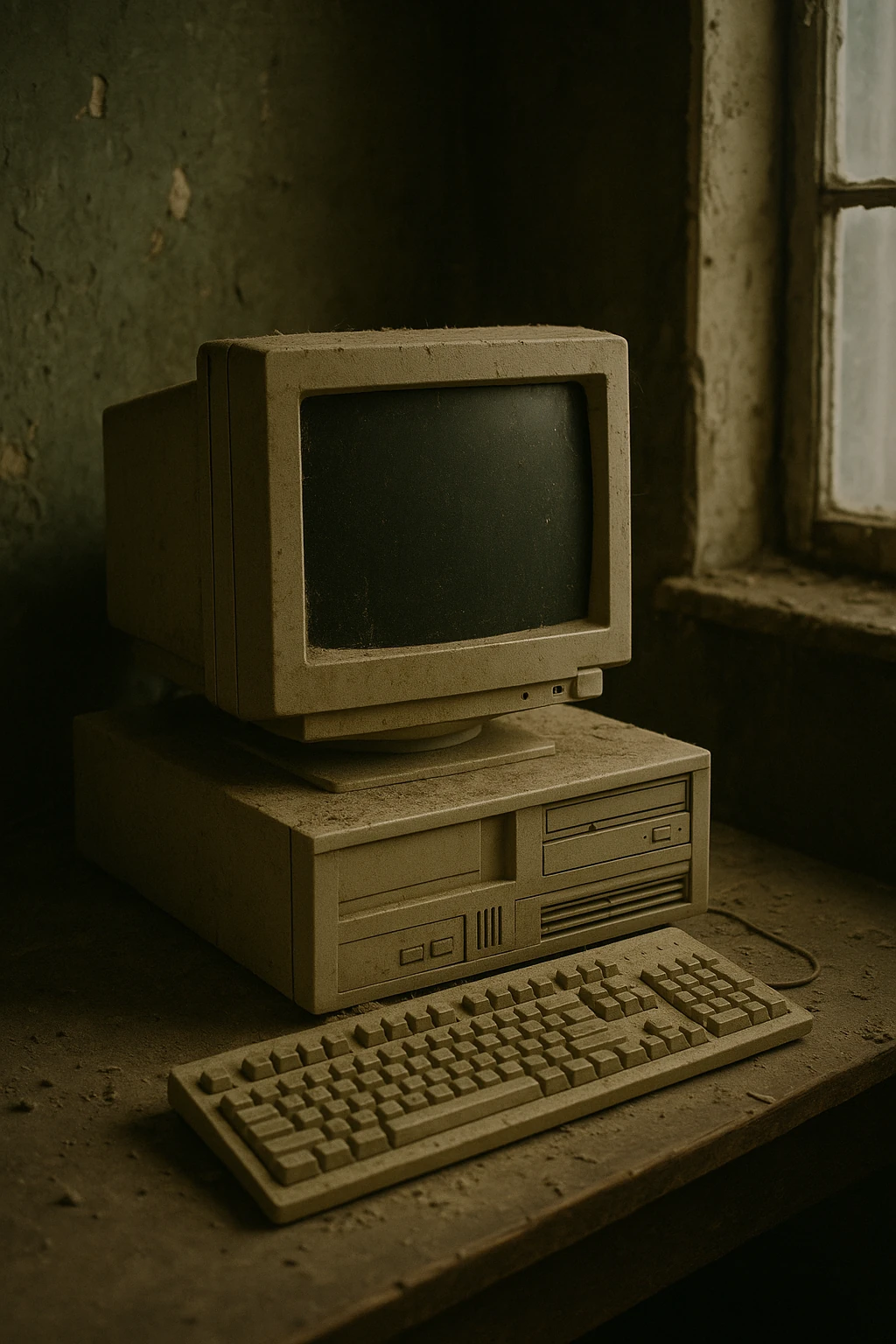
Top Problems with 10-Year-Old PCs
If your computer was built around 2015, it’s officially middle-aged. It might still boot, but it’s probably not happy about it. Ten-year-old desktops and laptops share a predictable set of failures — all rooted in physics, time, and changing software expectations.
Let’s break down the most common issues that keep older PCs limping into the shop.
1. Failing Hard Drives
Before SSDs were standard, most computers shipped with spinning hard drives (HDDs). After a decade of constant motion and heat, those drives develop bad sectors or fail outright. Symptoms include:
- Extremely slow startup or file access
- Random freezes or blue screens
- Clicking or grinding noises
Solution: Replace the drive with a solid-state drive (SSD). You’ll see a massive speed boost, even on an old system.
2. Dried Thermal Paste and Overheating
Thermal paste — the thin layer between your CPU and its heatsink — dries out over time. After 8–10 years, it often turns to powder, causing poor heat transfer.
Signs: Fans running constantly, system shutdowns under load, or a laptop that’s too hot to touch.
Fix: Clean and reapply fresh paste. It’s a cheap maintenance step that can extend life dramatically.
3. Swollen Capacitors on the Motherboard
Capacitors age like batteries — they leak, bulge, or lose their charge capacity. A 10-year-old motherboard may still “work,” but with random instability, crashes, or USB ports that die mysteriously.
Solution: Replace the motherboard or entire system. Board-level repair is rarely economical unless it’s a rare or specialized machine.
4. Weak Power Supplies
Power supply units (PSUs) degrade over time due to thermal cycling and dust. A weak or failing PSU can cause strange reboots, no-start conditions, or even data corruption.
Tip: Replace it with a modern, efficient unit rated for your system’s wattage. PSUs are inexpensive insurance against bigger failures.
5. Dust, Fans, and Thermal Throttling
Ten years of dust build-up acts like insulation — trapping heat and stressing every component. A clogged CPU or GPU fan can make even light workloads unbearable.
Solution: Open the case, carefully blow out dust with compressed air, and ensure fans spin freely. Never use a household vacuum; static discharge can fry components.
6. RAM Limitations
Many 2015-era systems shipped with 4GB or 8GB of RAM — fine for Windows 7, but barely tolerable for Windows 10 or 11.
Upgrade: If possible, move to 8GB minimum for light use or 16GB for modern multitasking.
7. Outdated Operating Systems and Drivers
Hardware that old often shipped with Windows 7 or 8, which are now unsupported. Even if upgraded to Windows 10, driver updates may have stopped years ago. Unsupported OSes become security risks and compatibility headaches.
Options:
- Install Linux for a lighter, secure system that still feels modern.
- Or, keep the system offline and use it for offline tasks like media, retro gaming, or tinkering.
8. Dead CMOS Batteries
The small coin-cell battery on the motherboard keeps BIOS settings and the system clock running. After a decade, it’s usually dead.
Fix: Replace it (CR2032 is standard). It’s a $2 part that prevents clock resets and boot errors.
9. Broken Plastics, Ports, and Hinges
Laptops from that era often suffer from brittle plastics, loose DC jacks, or wobbly hinges. These are physical wear items — not a reflection of bad design, just entropy doing its job.
Repairability tip: Many parts are still available online or can be 3D printed if you’re resourceful.
10. Software Bloat and Old Habits
Even if the hardware survives, years of accumulated software, startup junk, and outdated antivirus can make an old system unusable.
Cure: Wipe the drive and do a clean install. You’d be amazed how fast a “dead” PC feels after that.
When to Retire a 10-Year-Old PC
If the cost to repair or upgrade exceeds about half the price of a new system, it’s time to let it go. But if you enjoy tinkering, old PCs make great Linux boxes, home servers, or learning machines for kids.
Bottom line:
A 10-year-old PC isn’t useless — it just needs realistic expectations and a little care. If you’re in Kirksville, bring your aging desktop or laptop by Switchboard Tech Services, and we’ll see what’s still got life in it.