Why does my computer say ‘Your device is offline’?

Why does my computer say 'Your device is offline'?

Likely causes:

  • Windows using cached sign-in and refusing without network; switch to a local sign-in temporarily.
  • Adapter disabled or in airplane mode.
  • Router DHCP hiccups; renew IP or reboot the router.
  • Captive portal on guest Wi-Fi blocking access.
  • Date/time drift breaking SSL and logins.

Need help? Check here: /services/house-calls/


What it might be (likely causes)

  • Microsoft account sign‑in needs a network
    When Windows thinks you must re‑authenticate a Microsoft account, it can block login if there’s no internet or SSL fails. A temporary local account login can get you in to fix networking.


[Read more →]

Why does my laptop overheat and shut down?

Why does my laptop overheat and shut down?

Possibilities to consider:

  • Vents and heatsink fins clogged with dust; needs a careful clean-out.
  • Dry thermal paste or warped heat pipe reducing heat transfer.
  • Fan failing or fan curve stuck; BIOS/EC or replacement might be needed.
  • Background load (malware, runaway updater) keeping CPU/GPU pinned.
  • Using on soft surfaces blocking intake.

Need help? Check here: /services/repairs/


What it might be (likely causes)

  • Airflow blockage
    Lint cakes inside the fan shroud and radiator fins, choking airflow. Even a thin felt layer can push temps to throttle or shutdown.

[Read more →]

Why does my PC say ‘Plugged in, not charging’?

Why does my PC say 'Plugged in, not charging'?

A few things to try:

  • OEM charger required for proper handshake; third-party may power but not charge.
  • Battery wear level high; charging disabled by firmware thresholds.
  • DC jack or charge controller board partially failing.
  • Embedded controller/BIOS needs an update or reset (power drain reset).

Need help? Check here: /services/repairs/


What it might be (likely causes)

  • OEM vs third‑party charger mismatch
    Many laptops authenticate their own adapters (Dell/HP/Lenovo). If the brick’s ID line or USB‑C e‑marker isn’t right, the system will run on AC but refuse to charge. Background: USB Power Delivery

[Read more →]

Why is my computer fan so loud all the time?

Why is my computer fan so loud all the time?

Could be:

  • Dust buildup forcing high RPM to keep temps in check.
  • Thermal paste aging; temperatures spike quickly.
  • Background load from updaters, indexing, or malware.
  • Aggressive fan curve in BIOS/utility; needs tuning.
  • Bearing wear on older fans.

Need help? Check here: /services/repairs/


What it might be (likely causes)

  • Dust & airflow restriction
    Lint mats over heatsink fins make the fan work overtime. Even a thin layer can raise temps enough to push fans to max. If the system also feels warm, start here. Aging‑hardware patterns: /posts/top-problems-10-year-old-pcs/

[Read more →]

Why is my computer so slow even after restarting?

Why is my computer so slow even after restarting?

Some possibilities:

  • Traditional HDD bottleneck; an SSD upgrade is the usual fix.
  • Too little RAM for current workloads causing constant paging.
  • Corrupted system files or services thrashing.
  • Background sync (cloud drives) or antivirus scans.
  • Thermal throttling reducing CPU clocks.

Need help? Check here: /services/computer-maintenance/


What it might be (likely causes)

[Read more →]

Why is my internet dropping out so often?

Why is my internet dropping out so often?

A few likely culprits:

  • Router placement and interference (microwaves, fish tanks, brick walls).
  • Overcrowded 2.4 GHz channel; a quick channel scan can help.
  • ISP modem signal issues or aging coax/connectors.
  • Firmware bugs on the router; reboot helps, firmware update helps more.
  • Device power saving turning off Wi-Fi adapters intermittently.

Need help? Check here: /services/house-calls/


What it might be (likely causes)

  • Placement & obstacles
    Wi-Fi hates water and masonry. Aquariums, brick fireplaces, and metal racks can scatter or absorb signal. See practical placement notes and real-world examples here: /posts/kirksville-wifi-dead-zones/

[Read more →]

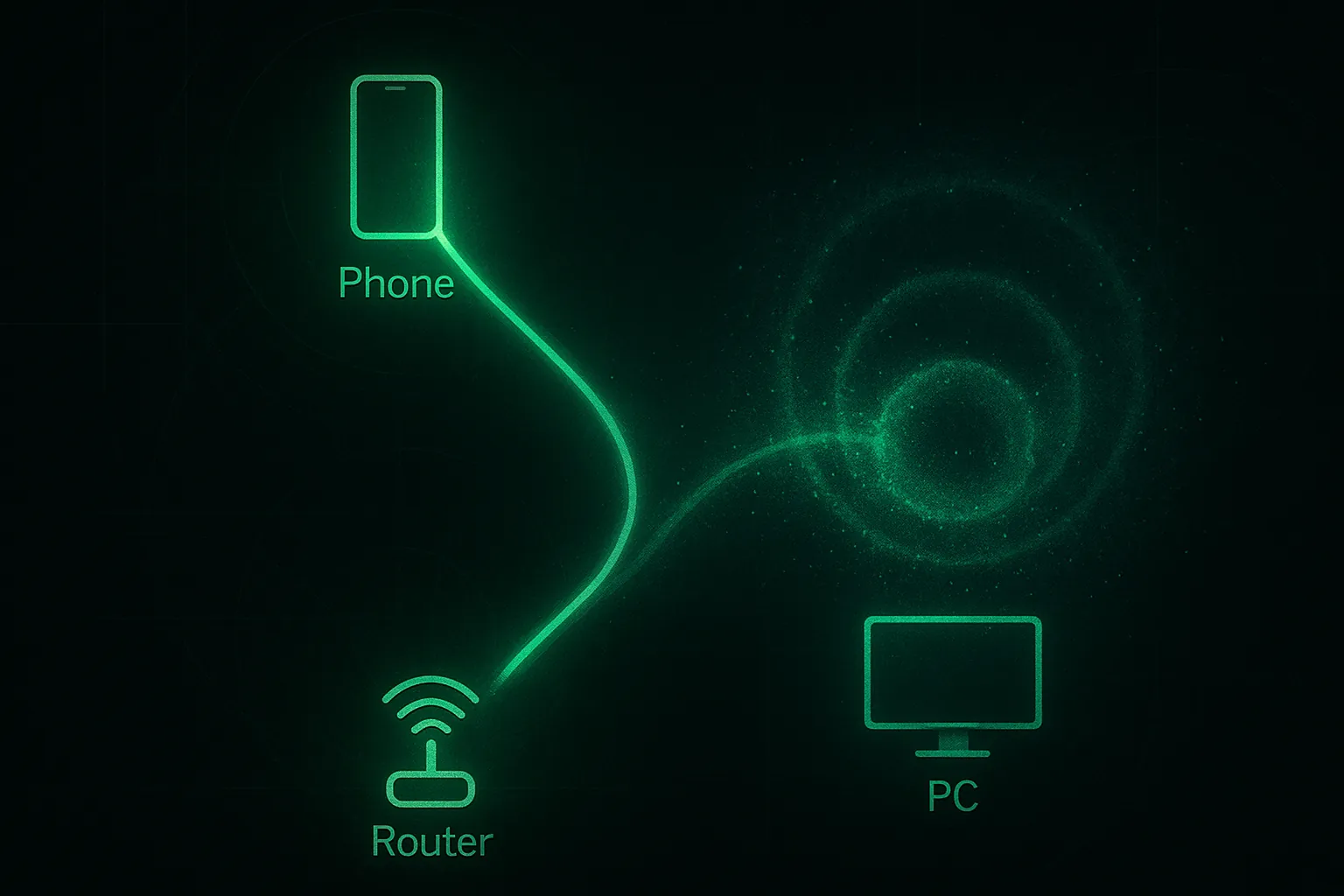
Why is my internet fast on my phone but slow on my PC?

Why is my internet fast on my phone but slow on my PC?

Worth checking:

  • PC on 2.4 GHz while phone uses 5 GHz; try a 5 GHz SSID.
  • Outdated NIC drivers or power-saving modes throttling throughput.
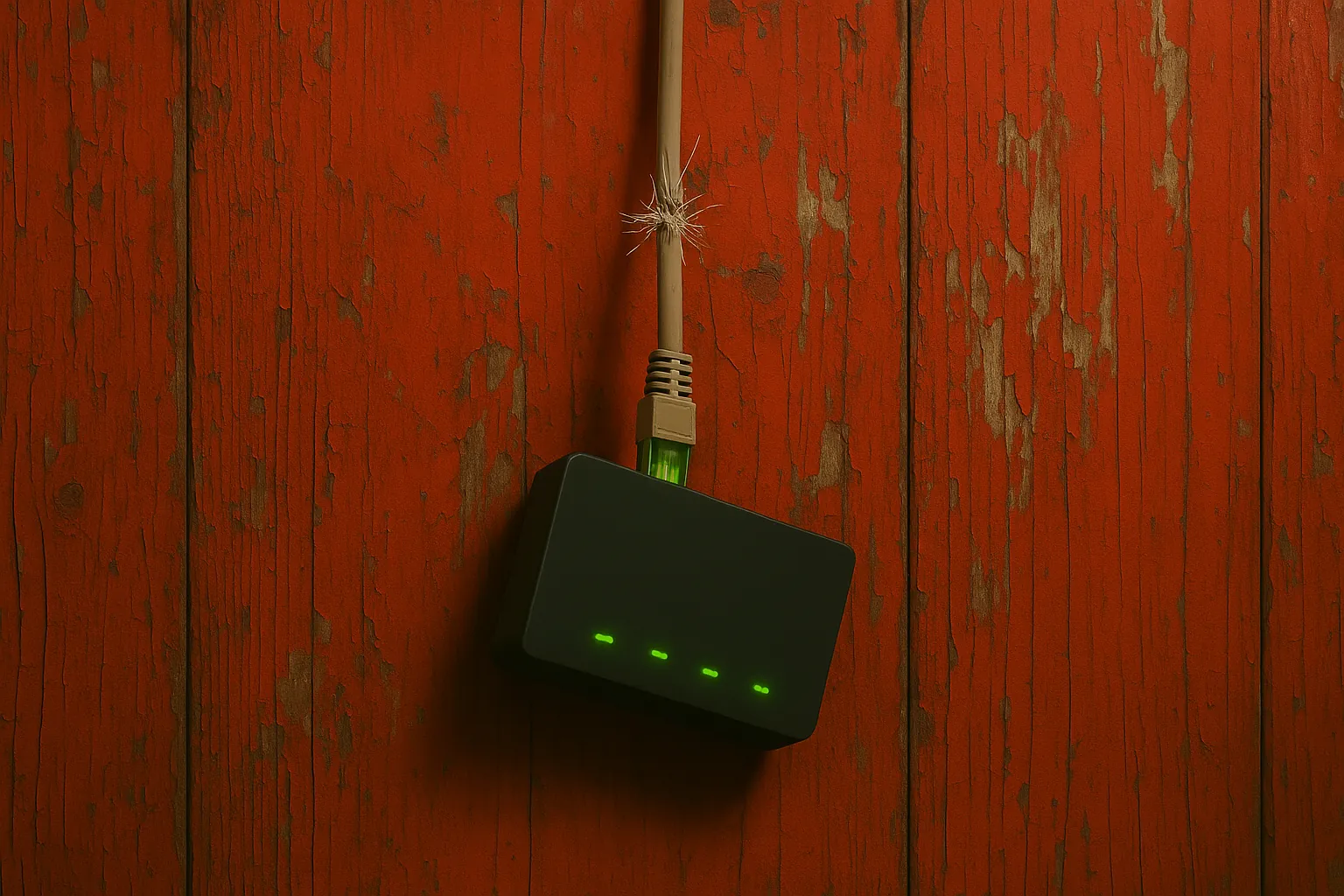
  • Ethernet cable damage or 100 Mbps negotiation instead of 1 Gbps.
  • VPNs, filters, or security suites intercepting traffic.
  • Browser extensions or background sync saturating bandwidth.

Need help? Check here: /services/house-calls/


What it might be (likely causes)

[Read more →]

Why is my laptop battery not charging?

Why is my laptop battery not charging?

A few angles:

  • Charger wattage too low or failing; test with a known-good.
  • DC jack damage or loose internal connection.
  • Battery wear level high; check with OEM utility.
  • Firmware/EC issues; BIOS update sometimes helps.
  • USB-C PD negotiation quirks with third-party cables.

Need help? Check here: /services/repairs/


What it might be (likely causes)

  • Underpowered or failing charger
    Many laptops negotiate specific wattage. If the adapter can’t supply enough (e.g., using a 45 W brick for a 90 W laptop), you’ll see “Plugged in, not charging” or the battery will drain while in use.

[Read more →]

Why won’t my computer recognize my USB drive?

Why won’t my computer recognize my USB drive?

Likely causes:

  • Port power issues; try a rear I/O port or a powered hub.
  • Drive letter collision; assign a new letter in Disk Management.
  • File system corruption; check with “chkdsk” or test on another PC.
  • Missing chipset/USB drivers after a reinstall.
  • ExFAT/NTFS compatibility issues on older systems.

Need help? Check here: /services/computer-maintenance/


What it might be (likely causes)

  • Power and port quirks
    Front‑panel ports and unpowered hubs can brown‑out larger flash drives and portable HDDs. Rear motherboard ports usually deliver steadier power. For backup safety before experimenting: /posts/simple-data-backups-without-cloud/

[Read more →]

Why won’t my computer turn on at all?

Why won’t my computer turn on at all?

Start simple:

  • Power strip or outlet fault; try a different known-good outlet.
  • For desktops, check PSU switch, 24-pin and CPU 8-pin connections.
  • For laptops, test with battery removed (if possible) and adapter only.
  • Look for liquid damage or burnt smells near DC jack/VRMs.
  • Motherboard short from standoff or debris.

Need help? Check here: /services/repairs/


What it might be (likely causes)

  • No AC or a tripped power path
    Dead outlet, tripped power strip, or a PSU rocker switch in the O position. On laptops, a failed charger or loose DC jack can present as “totally dead.”

[Read more →]