Computer disaster in Kirksville! The ‘Virus’ That Wasn’t
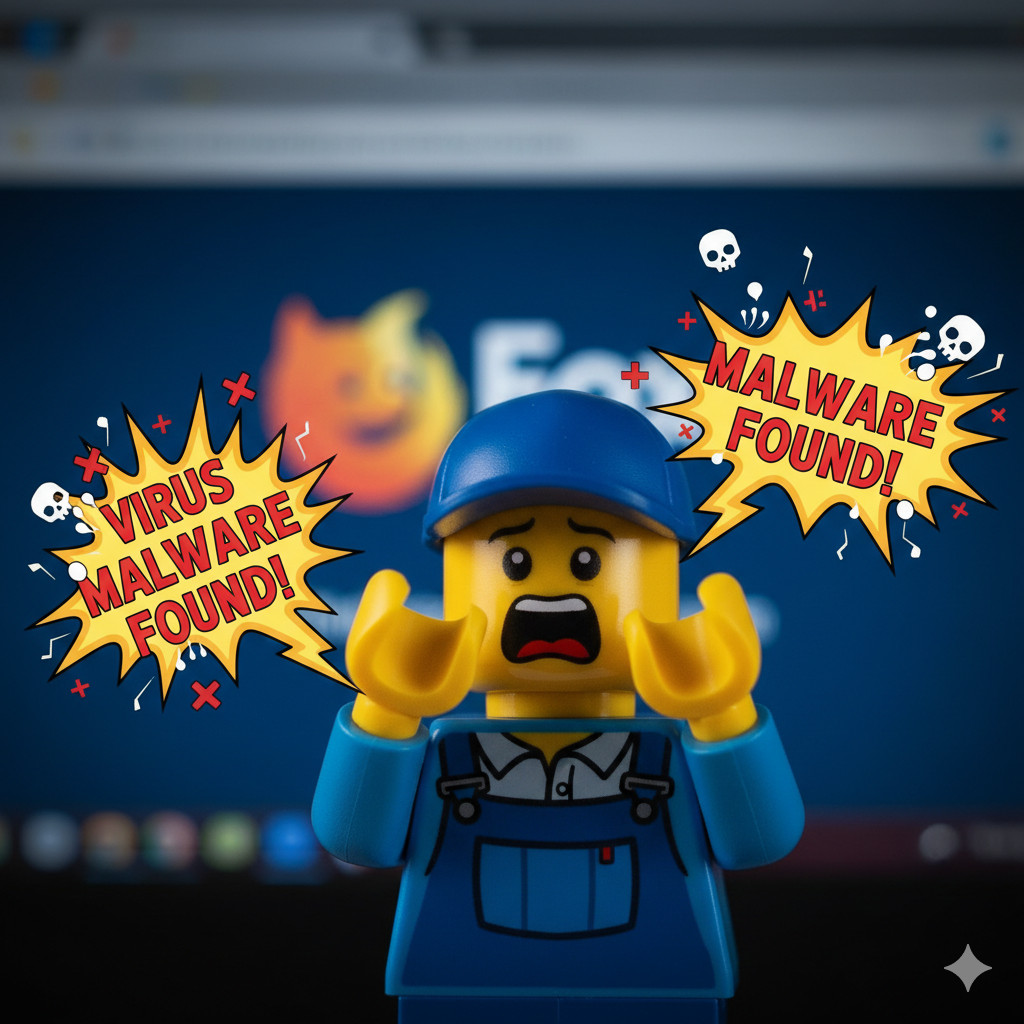
Table of Contents
Today I helped a Kirksville user who swore their system was under attack.
Three red-shield pop-ups screamed “System is infected!” — all pointing to a domain like d3n7oed9x5adbcxsyz [dot] ows-adsguard [dot] pro.
Looks official, right? Except the domain name sounded like a cat ran across the keyboard.
After some quick sleuthing, it turned out not to be a virus at all — but a browser notification scam.
Somewhere along the line, this website had convinced the user to “allow notifications.”
That’s all it takes: one click of misplaced trust, and suddenly Firefox is allowed to throw fake security alerts straight to your desktop — even when you’re not browsing.
Here is a sampling of the alerts seen:


It was spammy AF. Very aggressive. They pop up as fast as you can close them.
What’s really going on#
This isn’t a real antivirus message; it’s social engineering.
Scammers register random-letter websites that sound semi-technical, then beg for permission to send notifications.
Once allowed, they spam you with alerts that look like operating system warnings.
The goal?
Get you to click their fake “Scan Now” buttons, which lead to ad farms, shady “cleanup tools,” or outright malware downloads.
It’s a clever trick — they’re not hacking your computer; they’re just abusing a browser feature you willingly turned on.
The fix (and how to stay clean)#
- In Firefox, go to Settings → Privacy & Security → Permissions → Notifications.
Remove any site with a gibberish domain name, and check “Block new requests.” - Clear cache and cookies for good measure.
- If you didn’t download anything, congratulations — you’re not infected.
- If you did click something… well, now’s a good time for a full scan with Windows Defender or Malwarebytes.
Final thoughts#
This scam works because it feels like your system is talking to you — but it’s really a random web page yelling from the corner of the internet.
Kirksville folks: if your computer suddenly says it’s infected, take a breath before you panic-click.
It might just be another browser notification pretending to be important.
If you need help cleaning up stuff like this — or you just want your computer to stop shouting at you — I do honest virus and malware fixes here in Kirksville.
No scare tactics, no pop-ups, just real repairs.