Tech Help in Kirksville, Missouri

Leo Blanchette

Leo Blanchette

Practical tech help in Kirksville
I help with Linux systems, connectivity, practical tech setup, coaching, and websites.
Clear rates, fast service, and a local focus near the Kirksville courthouse square.


Switchboard Tech Services is a small mobile technology service based in downtown Kirksville.

I help people move to Linux, set up and maintain practical systems, solve on-site technology problems, and build or maintain straightforward websites for locals and small businesses.

Service update: I no longer accept computer or electronics repair jobs. Existing repair articles remain online as reference material.

No contracts and no gimmicks—just direct, practical help within a few miles of the courthouse.


🧰 See Services & Prices →

Transparent, local, and explained in basic English.


Contact Us

📍 Kirksville, MO
🏤 PO Box 594, Kirksville, MO 63501
📞 +1.660.956.1108 (text first)
✉️ theswitchboard@protonmail.com
🌐 https://switchboardtechservices.com
📘 Facebook Page
🏛️ Meetings: Adair County Courthouse, Kirksville, by arrangement
ℹ️ Computer and electronics repair services are no longer offered

From the Workbench

AltGrid and Scrollmapper, Projects by Leo Blanchette

See my major technical projects →

These are major projects I’ve created or am working on. Technical blog posts by Leo Blanchette

Read Switchboard’s latest posts →

Guides, local stories, and practical how-tos from the Switchboard workshop.

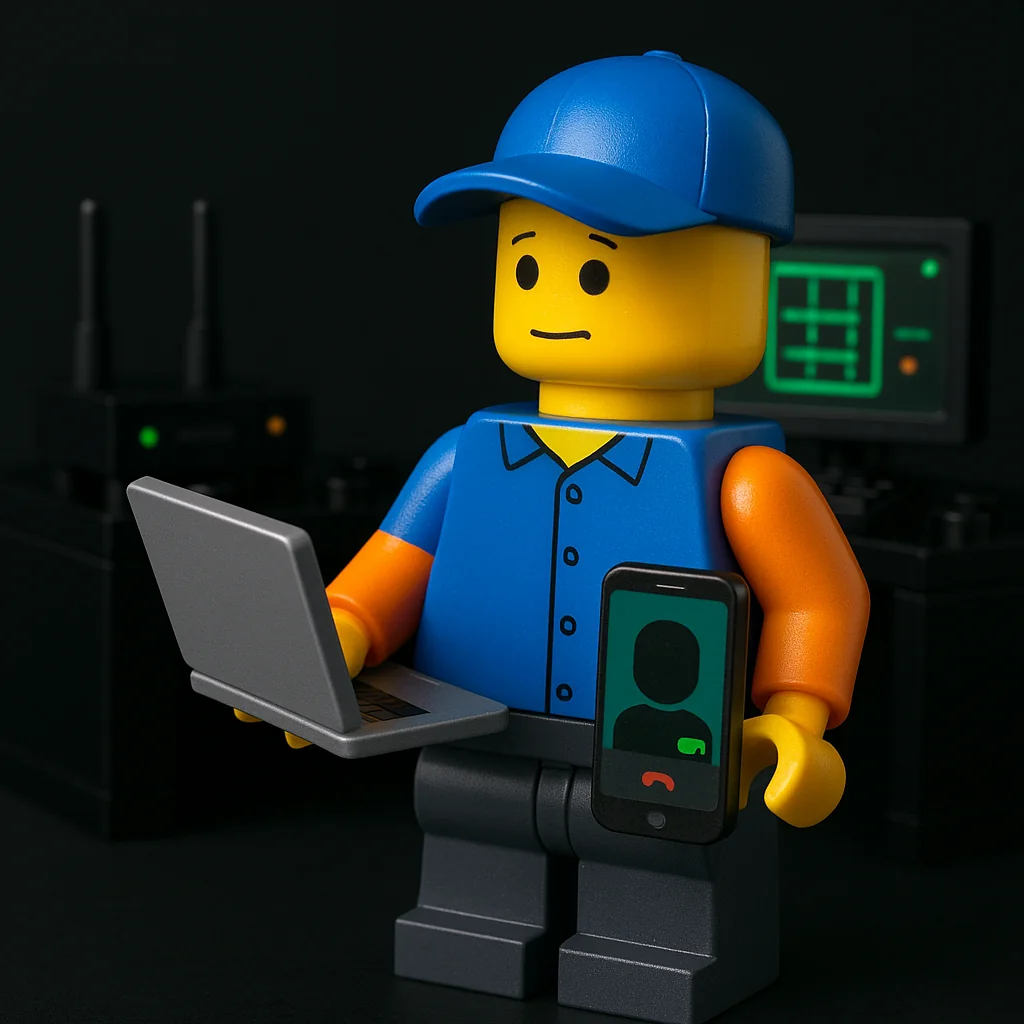
Why do I hear a clicking sound from my hard drive?

Why do I hear a clicking sound from my hard drive?

This one deserves caution:

  • Read/write head issues or power instability can cause clicking.
  • Failing HDD firmware or bad sectors causing repeated retries.
  • Loose or damaged SATA/power cables.

Back up first if it still reads. Continued use can make recovery harder.

Need help? Check here: /services/repairs/


What it might be (likely causes)

  • Head seek/retry loop
    The actuator clicks as it repeatedly tries (and fails) to lock onto tracks. This is classic dying‑HDD behavior. Background: Hard disk drive failure, Head crash
[Read more →]

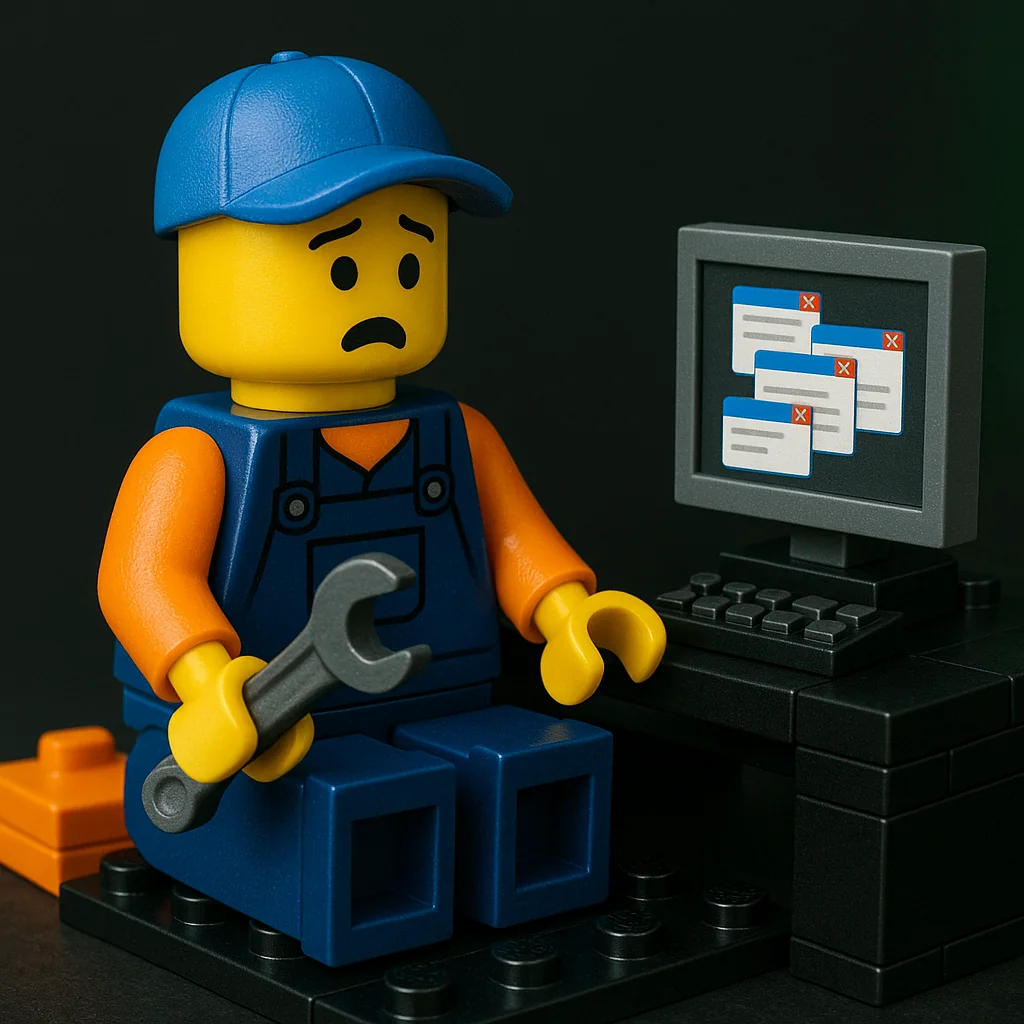
Why do my video calls keep freezing or dropping?

Why do my video calls keep freezing or dropping?

Likely:

  • Wi-Fi signal weak where you sit; reposition router or add an AP.
  • Upstream bandwidth saturated by backups or streaming.
  • Outdated webcam/NIC drivers causing glitches.
  • Browser hardware acceleration conflicts.
  • QoS not configured on the router.

Need help? Check here: /services/house-calls/


What it might be (likely causes)

[Read more →]

Why does my browser keep opening random tabs?

Why does my browser keep opening random tabs?

A few suspects:

  • Adware extensions installed quietly; review and remove unknown add-ons.
  • Notification spam from sites allowed earlier; revoke permissions.
  • DNS hijack or proxy set by a program; reset network settings.
  • Bundled installers adding “helpers”; uninstall suspicious apps.
  • Old profiles syncing the problem back in.

Need help? Check here: /services/computer-maintenance/


What it might be (likely causes)

  • Extension hijack (most common)
    A single rogue extension can inject scripts or open tabs on a timer. Vet anything you don’t recognize. If symptoms started “after that free PDF tool,” start there. For a local case study: /posts/kirksville-virus-that-wasnt/

[Read more →]

Why does my computer beep at startup?

Why does my computer beep at startup?

Those beeps are POST codes:

  • Repeating short beeps can indicate RAM issues; reseat or test modules.
  • Long-short patterns often point to GPU or CPU problems.
  • No beeps but fans spin may indicate motherboard or speaker issue.
  • Check the motherboard manual for exact code meanings.

Need help? Check here: /services/repairs/


What it might be (likely causes)

  • Memory not detected / not seated
    Many boards signal RAM faults with repeating short beeps. Oxidized contacts or mismatched DIMMs can trigger this. Aging‑hardware context: /posts/top-problems-10-year-old-pcs/

[Read more →]

Why does my computer boot so slow?

Why does my computer boot so slow?

Could be a few things, and they often stack:

  • Too many startup programs or services; check Task Manager > Startup and disable non-essentials.
  • Failing HDD (SMART warnings, high reallocated sectors); an SSD upgrade can be night-and-day.
  • Windows file system errors; run “chkdsk” and “sfc /scannow”.
  • Low RAM causing disk thrash; check memory pressure in Task Manager.
  • Outdated BIOS/UEFI or storage drivers slowing handoff.

Need help? Check here: /services/computer-maintenance/


What it might be (likely causes)

  • Startup bloat: Many apps set themselves to launch on boot. High “Startup impact” adds seconds that add up to minutes.
    See a broader speed-up overview: /posts/speed-up-old-laptop/

[Read more →]

Why does my computer freeze or lag randomly?

Why does my computer freeze or lag randomly?

Likely suspects:

  • Disk at 100% active time (old HDD); check with Task Manager and SMART.
  • Insufficient RAM forcing constant paging.
  • Thermal throttling when dust builds up.
  • Background updaters, browser extensions, or malware.
  • Driver conflicts (storage, GPU) after a recent update.

Need help? Check here: /services/computer-maintenance/


What it might be (likely causes)

[Read more →]

Why does my computer keep restarting by itself?

Why does my computer keep restarting by itself?

A few angles:

  • Power supply sagging under load or bad DC jack (laptops).
  • Thermal shutdowns from poor cooling or dried paste.
  • Faulty RAM or unstable XMP/overclocks.
  • Driver or kernel crashes; check Event Viewer for BugCheck entries.
  • Short circuits from a loose standoff or debris inside the case.

Need help? Check here: /services/repairs/


What it might be (likely causes)

  • Power delivery problems
    A PSU that’s aging, underrated, or tripping OCP (over‑current protection) can reboot the system under GPU/CPU spikes. On laptops, a loose/burned DC jack or a failing charger can cause momentary brownouts.

[Read more →]

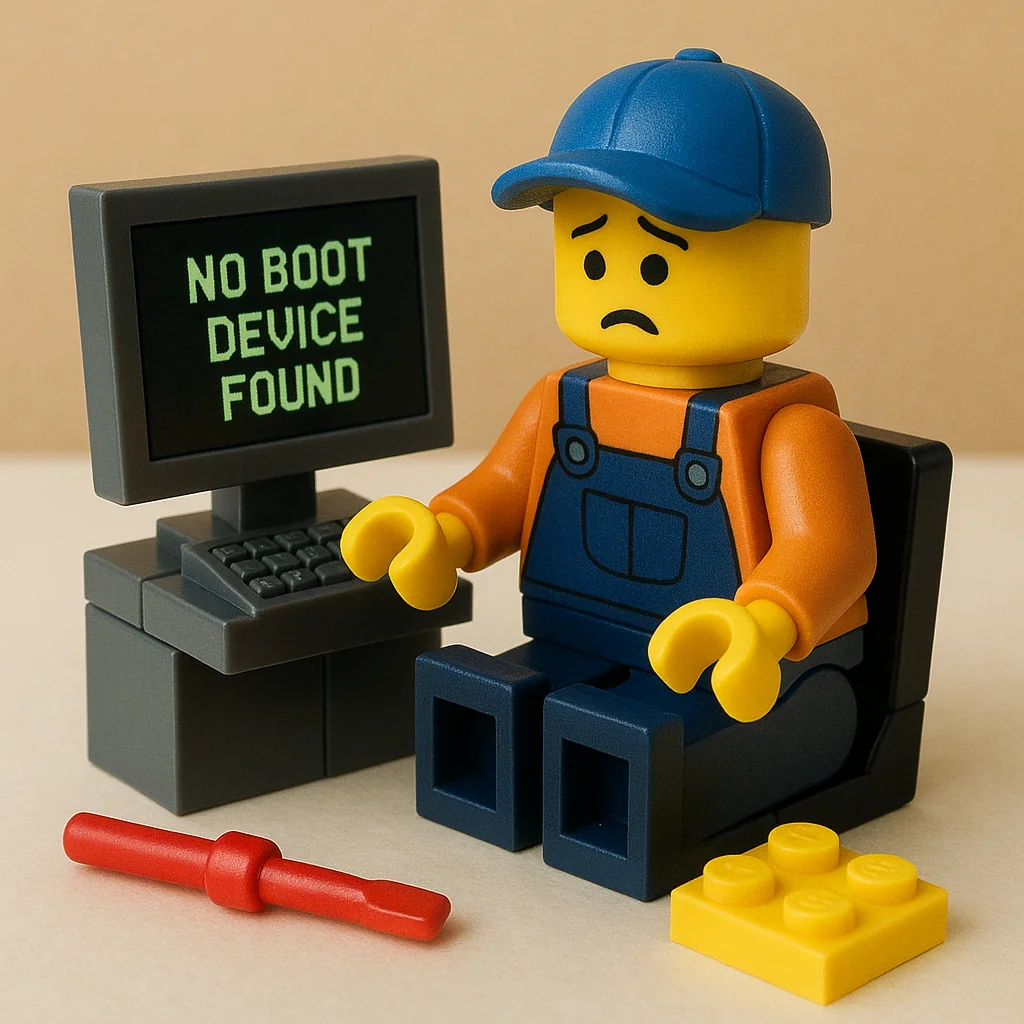
Why does my computer say ‘No boot device found’?

Why does my computer say 'No boot device found'?

What to look at:

  • SATA/NVMe drive failing or cable loose.
  • Boot mode mismatch (UEFI vs Legacy) after a reset.
  • Boot order changed; the OS drive fell behind USB/DVD.
  • Damaged bootloader; needs repair via recovery media.
  • Recent clone to SSD missing EFI partition.

Need help? Check here: /services/repairs/


What it might be (likely causes)

  • Storage not detected or failing
    A loose SATA cable, unseated NVMe, or a dying drive can disappear from firmware. If the drive isn’t listed in BIOS/UEFI, the OS can’t boot. If it is listed but throws the error, suspect the bootloader/partitioning.

[Read more →]

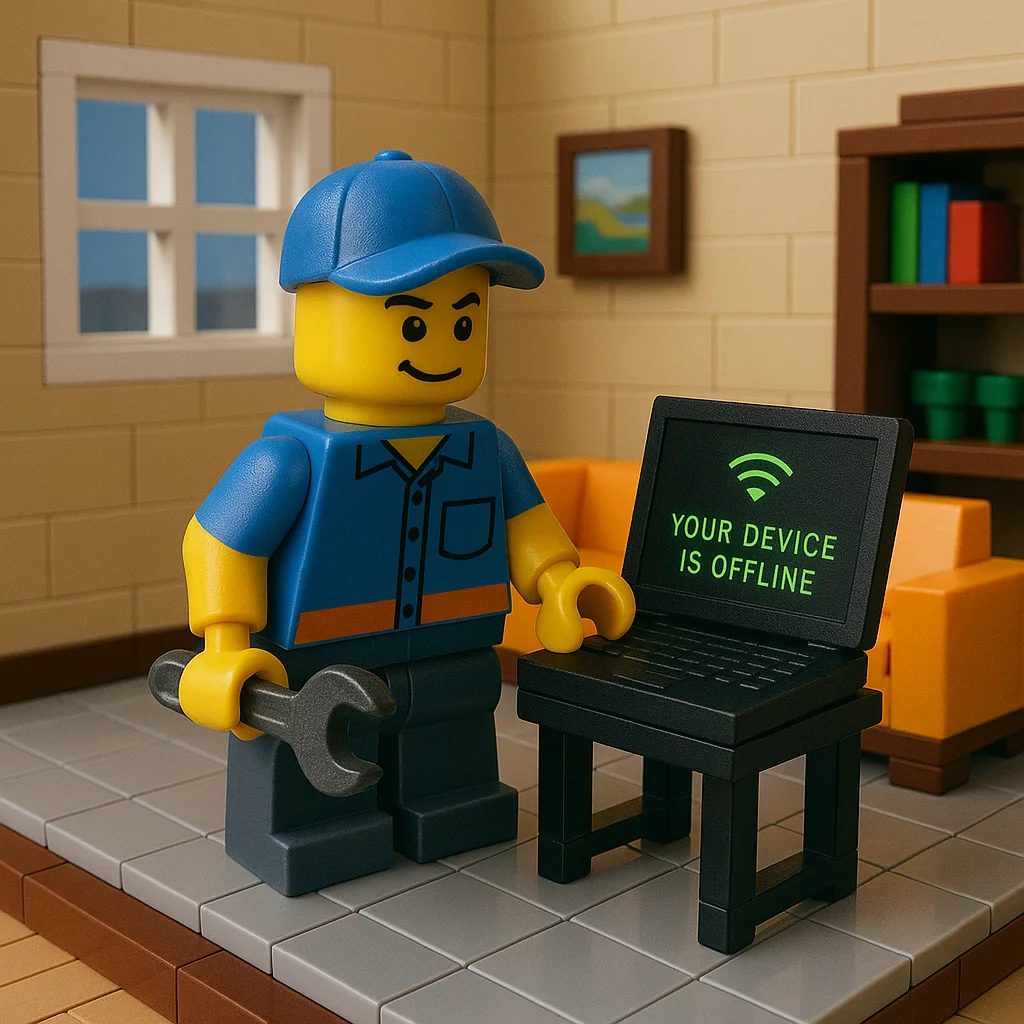
Why does my computer say ‘Your device is offline’?

Why does my computer say 'Your device is offline'?

Likely causes:

  • Windows using cached sign-in and refusing without network; switch to a local sign-in temporarily.
  • Adapter disabled or in airplane mode.
  • Router DHCP hiccups; renew IP or reboot the router.
  • Captive portal on guest Wi-Fi blocking access.
  • Date/time drift breaking SSL and logins.

Need help? Check here: /services/house-calls/


What it might be (likely causes)

  • Microsoft account sign‑in needs a network
    When Windows thinks you must re‑authenticate a Microsoft account, it can block login if there’s no internet or SSL fails. A temporary local account login can get you in to fix networking.

[Read more →]

Why does my laptop overheat and shut down?

Why does my laptop overheat and shut down?

Possibilities to consider:

  • Vents and heatsink fins clogged with dust; needs a careful clean-out.
  • Dry thermal paste or warped heat pipe reducing heat transfer.
  • Fan failing or fan curve stuck; BIOS/EC or replacement might be needed.
  • Background load (malware, runaway updater) keeping CPU/GPU pinned.
  • Using on soft surfaces blocking intake.

Need help? Check here: /services/repairs/


What it might be (likely causes)

  • Airflow blockage
    Lint cakes inside the fan shroud and radiator fins, choking airflow. Even a thin felt layer can push temps to throttle or shutdown.

[Read more →]