Tech Help in Kirksville, Missouri

Leo Blanchette

Leo Blanchette

Practical tech help in Kirksville
I fix computers, connectivity, Linux systems, and small electronics.
Clear rates, fast service, and a local focus near the Kirksville courthouse square.


Switchboard Tech Services is a small mobile service in downtown Kirksville that fixes what others replace.

I handle everyday computer issues, restore old computers, and build or maintain simple websites for locals and small businesses.

No contracts, no gimmicks – just direct repair and practical help within a couple miles of the courthouse.
If it plugs in, powers on, or connects to the internet, there’s a good chance I can make it work again.


🧰 See Services & Prices →

Transparent, local, and explained in basic English.


Contact Us

📍 Kirksville, MO
🏤 PO Box 594, Kirksville, MO 63501
📞 +1.660.956.1108 (text first)
✉️ theswitchboard@protonmail.com
🌐 https://switchboardtechservices.com
📘 Facebook Page
🏛️ Meetings: Adair County Courthouse, Kirksville (neutral hand-off point)
🛠️ Repairs done at home workshop, drop-off by arrangement

From the Workbench

AltGrid and Scrollmapper, Projects by Leo Blanchette

See my major technical projects →

These are major projects I’ve created or am working on. Technical blog posts by Leo Blanchette

Read Switchboard’s latest posts →

Guides, local stories, and practical how-tos from the Switchboard workshop.

Why do my video calls keep freezing or dropping?

Why do my video calls keep freezing or dropping?

Likely:

  • Wi-Fi signal weak where you sit; reposition router or add an AP.
  • Upstream bandwidth saturated by backups or streaming.
  • Outdated webcam/NIC drivers causing glitches.
  • Browser hardware acceleration conflicts.
  • QoS not configured on the router.

Need help? Check here: /services/house-calls/


What it might be (likely causes)

[Read more →]

Why does my browser keep opening random tabs?

Why does my browser keep opening random tabs?

A few suspects:

  • Adware extensions installed quietly; review and remove unknown add-ons.
  • Notification spam from sites allowed earlier; revoke permissions.
  • DNS hijack or proxy set by a program; reset network settings.
  • Bundled installers adding “helpers”; uninstall suspicious apps.
  • Old profiles syncing the problem back in.

Need help? Check here: /services/computer-maintenance/


What it might be (likely causes)

  • Extension hijack (most common)
    A single rogue extension can inject scripts or open tabs on a timer. Vet anything you don’t recognize. If symptoms started “after that free PDF tool,” start there. For a local case study: /posts/kirksville-virus-that-wasnt/

[Read more →]

Why does my computer beep at startup?

Why does my computer beep at startup?

Those beeps are POST codes:

  • Repeating short beeps can indicate RAM issues; reseat or test modules.
  • Long-short patterns often point to GPU or CPU problems.
  • No beeps but fans spin may indicate motherboard or speaker issue.
  • Check the motherboard manual for exact code meanings.

Need help? Check here: /services/repairs/


What it might be (likely causes)

  • Memory not detected / not seated
    Many boards signal RAM faults with repeating short beeps. Oxidized contacts or mismatched DIMMs can trigger this. Aging‑hardware context: /posts/top-problems-10-year-old-pcs/

[Read more →]

Why does my computer boot so slow?

Why does my computer boot so slow?

Could be a few things, and they often stack:

  • Too many startup programs or services; check Task Manager > Startup and disable non-essentials.
  • Failing HDD (SMART warnings, high reallocated sectors); an SSD upgrade can be night-and-day.
  • Windows file system errors; run “chkdsk” and “sfc /scannow”.
  • Low RAM causing disk thrash; check memory pressure in Task Manager.
  • Outdated BIOS/UEFI or storage drivers slowing handoff.

Need help? Check here: /services/computer-maintenance/


What it might be (likely causes)

  • Startup bloat: Many apps set themselves to launch on boot. High “Startup impact” adds seconds that add up to minutes.
    See a broader speed-up overview: /posts/speed-up-old-laptop/

[Read more →]

Why does my computer freeze or lag randomly?

Why does my computer freeze or lag randomly?

Likely suspects:

  • Disk at 100% active time (old HDD); check with Task Manager and SMART.
  • Insufficient RAM forcing constant paging.
  • Thermal throttling when dust builds up.
  • Background updaters, browser extensions, or malware.
  • Driver conflicts (storage, GPU) after a recent update.

Need help? Check here: /services/computer-maintenance/


What it might be (likely causes)

[Read more →]

Why does my computer keep restarting by itself?

Why does my computer keep restarting by itself?

A few angles:

  • Power supply sagging under load or bad DC jack (laptops).
  • Thermal shutdowns from poor cooling or dried paste.
  • Faulty RAM or unstable XMP/overclocks.
  • Driver or kernel crashes; check Event Viewer for BugCheck entries.
  • Short circuits from a loose standoff or debris inside the case.

Need help? Check here: /services/repairs/


What it might be (likely causes)

  • Power delivery problems
    A PSU that’s aging, underrated, or tripping OCP (over‑current protection) can reboot the system under GPU/CPU spikes. On laptops, a loose/burned DC jack or a failing charger can cause momentary brownouts.

[Read more →]

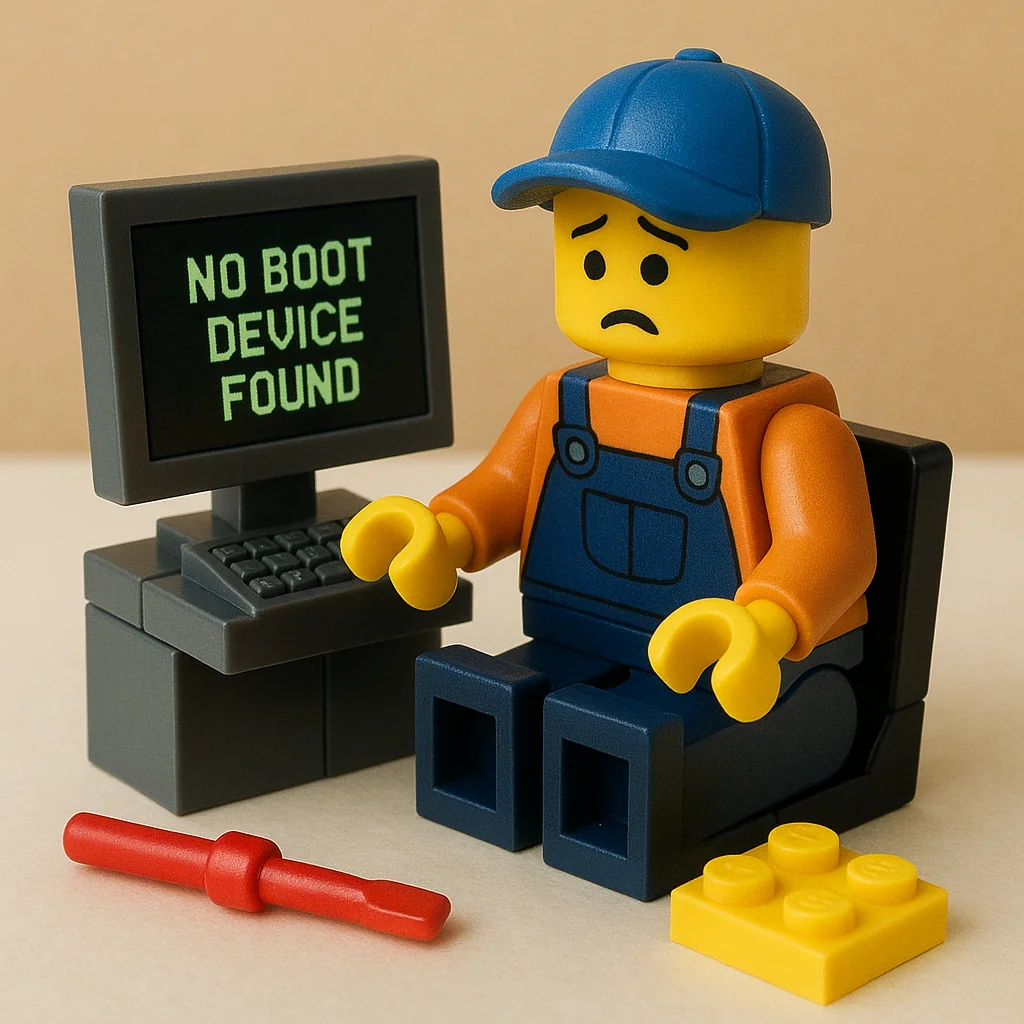
Why does my computer say ‘No boot device found’?

Why does my computer say 'No boot device found'?

What to look at:

  • SATA/NVMe drive failing or cable loose.
  • Boot mode mismatch (UEFI vs Legacy) after a reset.
  • Boot order changed; the OS drive fell behind USB/DVD.
  • Damaged bootloader; needs repair via recovery media.
  • Recent clone to SSD missing EFI partition.

Need help? Check here: /services/repairs/


What it might be (likely causes)

  • Storage not detected or failing
    A loose SATA cable, unseated NVMe, or a dying drive can disappear from firmware. If the drive isn’t listed in BIOS/UEFI, the OS can’t boot. If it is listed but throws the error, suspect the bootloader/partitioning.

[Read more →]

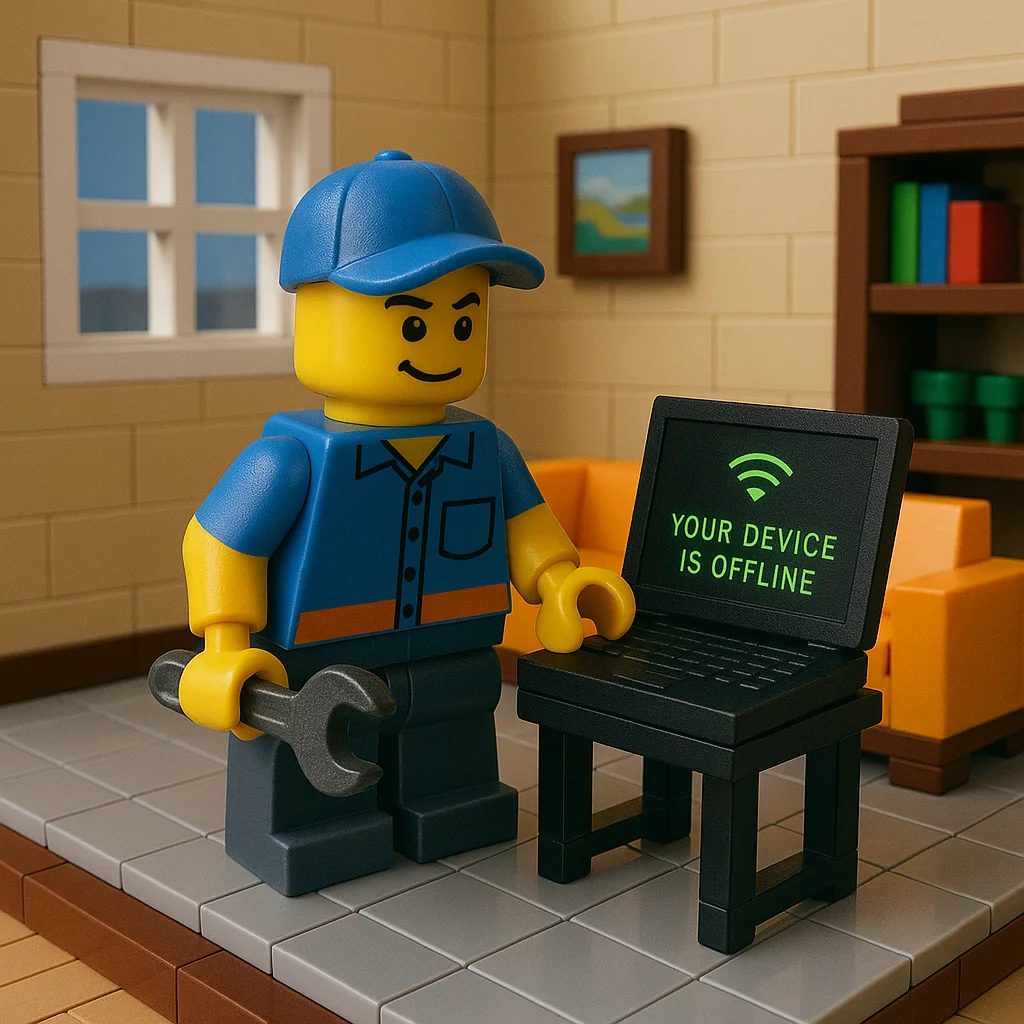
Why does my computer say ‘Your device is offline’?

Why does my computer say 'Your device is offline'?

Likely causes:

  • Windows using cached sign-in and refusing without network; switch to a local sign-in temporarily.
  • Adapter disabled or in airplane mode.
  • Router DHCP hiccups; renew IP or reboot the router.
  • Captive portal on guest Wi-Fi blocking access.
  • Date/time drift breaking SSL and logins.

Need help? Check here: /services/house-calls/


What it might be (likely causes)

  • Microsoft account sign‑in needs a network
    When Windows thinks you must re‑authenticate a Microsoft account, it can block login if there’s no internet or SSL fails. A temporary local account login can get you in to fix networking.

[Read more →]

Why does my laptop overheat and shut down?

Why does my laptop overheat and shut down?

Possibilities to consider:

  • Vents and heatsink fins clogged with dust; needs a careful clean-out.
  • Dry thermal paste or warped heat pipe reducing heat transfer.
  • Fan failing or fan curve stuck; BIOS/EC or replacement might be needed.
  • Background load (malware, runaway updater) keeping CPU/GPU pinned.
  • Using on soft surfaces blocking intake.

Need help? Check here: /services/repairs/


What it might be (likely causes)

  • Airflow blockage
    Lint cakes inside the fan shroud and radiator fins, choking airflow. Even a thin felt layer can push temps to throttle or shutdown.

[Read more →]

Why does my PC say ‘Plugged in, not charging’?

Why does my PC say 'Plugged in, not charging'?

A few things to try:

  • OEM charger required for proper handshake; third-party may power but not charge.
  • Battery wear level high; charging disabled by firmware thresholds.
  • DC jack or charge controller board partially failing.
  • Embedded controller/BIOS needs an update or reset (power drain reset).

Need help? Check here: /services/repairs/


What it might be (likely causes)

  • OEM vs third‑party charger mismatch
    Many laptops authenticate their own adapters (Dell/HP/Lenovo). If the brick’s ID line or USB‑C e‑marker isn’t right, the system will run on AC but refuse to charge. Background: USB Power Delivery

[Read more →]