Kirksville Computer Repair: Top Problems with 10+ Year Old PCs
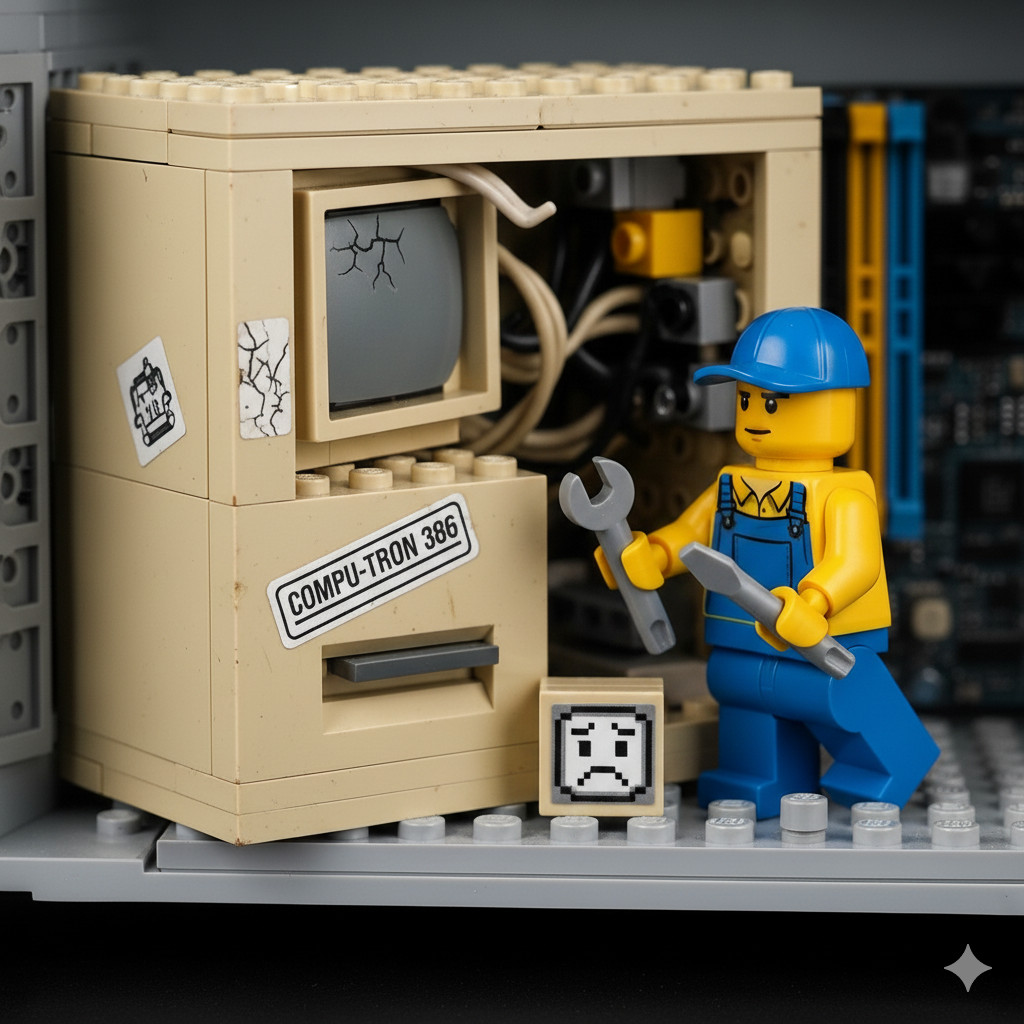
Kirksville Computer Repair: Common Problems with 10+ Year Old PCs
If your computer has seen 10 years of life—maybe since Truman was still a joke on reruns—you’re not alone in Kirksville. Old PCs have their quirks, and if you’ve ever stared at a spinning hourglass for longer than a local winter night, this article is for you.
Here’s what residents often encounter, and how a reliable computer service can save the day.
1. Slow Boot and Overall Performance
A decade of dust and bloat can make your computer feel like it’s powered by a hamster.
Fix: Upgrade to an SSD, add RAM, and trim startup programs. Sometimes, even a clean Linux install can breathe new life into the old beast.
2. End-of-Life Operating System
Windows XP, Vista, and even Windows 7 are long past their prime. They’re like cornfields without irrigation—functional but risky.
Fix: Switch to a lightweight Linux or modern Windows alternative for safe computer repair.
3. Random Shutdowns or Crashes
Ever have your PC randomly die mid-Twitch session? Overheating, failing power supplies, or dried motherboard capacitors are usually to blame.
Fix: Clean the fans, check the PSU, and inspect capacitors.
4. Hard Drive Failures
Mechanical hard drives eventually wear out. If your PC makes sounds like a tractor in the rain, it’s time to consider replacement.
Fix: Clone your drive to an SSD and run disk repair utilities.
5. Overheating and Dust Build-Up
Dust bunnies accumulate faster than gossip in a Kirksville coffee shop. Overheating throttles performance and can damage components.
Fix: Deep-clean fans, replace thermal paste, and ensure proper ventilation.
6. Slow Internet or Networking Issues
Old Wi-Fi cards, outdated drivers, or interference from neighbors’ routers can make surfing feel like molasses in January.
Fix: Upgrade the network adapter, update drivers, and optimize router placement.
7. Noisy Fans or Hard Drives
Rattling, squealing, grinding—your PC is not auditioning for a heavy metal band.
Fix: Clean or replace fans, consider an SSD to eliminate HDD noise.
8. Software Compatibility Problems
Modern apps may refuse to run, leaving you with “This app won’t work on your system” messages more frustrating than a Kirksville winter commute.
Fix: Switch OS, use lightweight software, or virtualize legacy programs.
9. Malware and Viruses
Old, unpatched systems are prime targets. Malware can slow things down, steal data, or even install sketchy Kirksville-themed toolbars.
Fix: Full antivirus scan, OS reinstall, or adopt Linux for better security.
10. Peripheral and Driver Issues
Printers, scanners, or graphics cards from 2005 may no longer have drivers. It’s like asking your grandpa to install TikTok — technically possible, but not without confusion and a few deep sighs.
Fix: Update drivers, replace unsupported hardware, or use adapters.
Local Insight from Switchboard Tech Services
If your computer is older than your favorite Kirksville landmark, a professional computer service might be the fastest way to revive it. We see these problems daily and have hands-on solutions that are practical, affordable, and reliable.
Need help? Contact Switchboard Tech Services for trusted computer repair in Kirksville. Old PCs deserve a second chance—before you toss them like last year’s county fair popcorn.