From Underdog to World Standard: How Linux Earned Its Place on the Desktop
From GNU's beginnings and the 1991 Linux kernel to servers, phones, games, and today's desktop, a sourced history of how free software became a practical choice for personal computers.
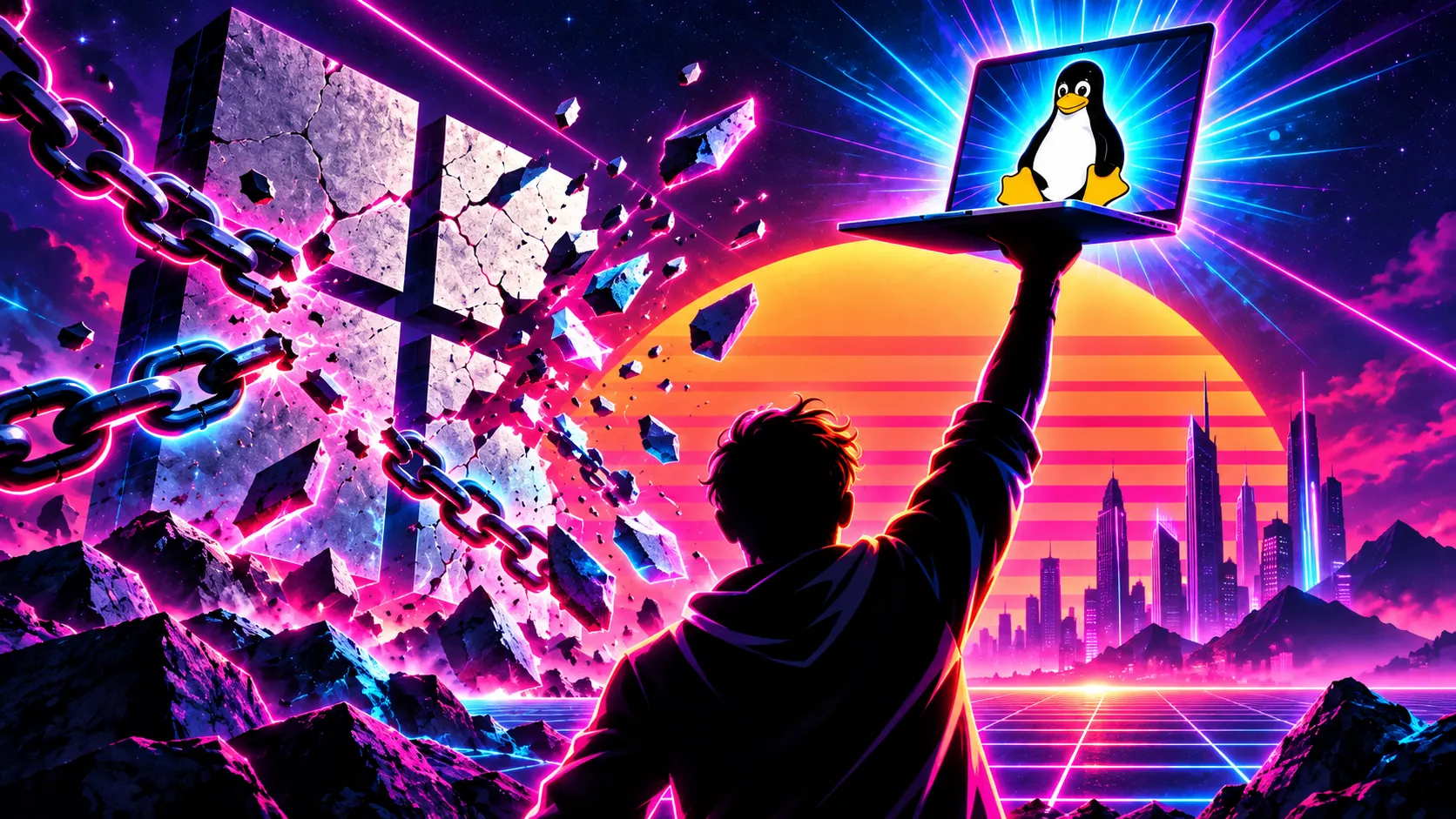
A generation ago, recommending Linux to an ordinary computer owner could sound like recommending a project instead of a finished tool. You might have had to solve a driver problem before you could even decide whether you liked the desktop. Today Linux forms part of the infrastructure behind servers, Android devices, and high-performance computing, while established desktop distributions offer graphical installers, managed software repositories, and documented maintenance schedules. The surprise is no longer that Linux works. It is that so many people still assume a free operating system must be less serious than one sold with a computer. The Linux kernel project's own introduction describes the path from its 1991 beginnings to devices from PCs to supercomputers.
That history does not prove Linux is automatically the best choice for every person. A kernel running a data center is not the same thing as a polished laptop experience. What the history does show is that the tools, people, and institutions behind Linux have had decades to mature. In the late 2020s, that maturity meets a new consumer concern: many people want a computer they can keep, maintain, and shape without accepting every account, sales prompt, or hardware deadline imposed by its original operating-system vendor.
Before Linux: the idea of a computer its users could control
The story starts before Linus Torvalds wrote a kernel. In 1983, Richard Stallman announced the GNU Project to build a free Unix-compatible system. Here free meant the freedoms to run, study, change, and share software, not merely a zero-dollar price. GNU developers built essential parts of an operating system—tools, libraries, a compiler, and more—but still needed a usable kernel. GNU's history records the 1983 announcement, the 1984 start of work, and the project's state by 1990.
Torvalds began Linux in 1991. The kernel became free software in 1992, and combining it with GNU and other components made complete, distributable systems possible. Calling an entire distribution “Linux” is common shorthand, but it hides the work of GNU and many other projects. It also hides an important lesson: Linux succeeded as an ecosystem of cooperating parts, not as one person's all-purpose invention. GNU's account of the combination and the kernel project's history document those origins.
Milestones that made Linux dependable
1993: distributions became a real answer to the installation problem. Debian began as an effort to assemble the young Linux kernel and free software into a coherent, maintainable system. Its package management, release practices, and public project structure helped turn a collection of code into something people could install and update. Debian's project history dates its beginning to August 1993.
The late 1990s and 2000s: Linux earned responsibility for other people's work. Networks, servers, and organizations adopted Linux because they could adapt it, inspect it, and maintain it without waiting for one company to build every feature. This was neither a straight line nor a purely volunteer story: companies paid developers and built businesses around support. What mattered was a shared technical base that competitors could improve together. The kernel project's development documentation describes a large, active contributor community and a release process built around review.
2004 onward: desktop distributions became predictable products. Ubuntu's first release arrived in October 2004 with a scheduled six-month cadence. In 2006 it introduced long-term-support releases on a two-year rhythm. A predictable release and maintenance cycle made Linux easier to recommend to households and institutions that could not rebuild their computers every few months. Ubuntu's project history documents those dates and its support model. Ubuntu is one example, not a synonym for Linux; Debian, Fedora, Mint, and other distributions make different choices about updates and desktop design.
The smartphone era: the Linux kernel became ordinary infrastructure. Android's software stack uses Linux kernels, though Android is not the same user experience or freedom model as a conventional GNU/Linux desktop. Android's own kernel documentation describes how its common kernels relate to the upstream Linux project. The distinction matters: a phone can run a Linux kernel while still limiting what its owner can change. Linux's technical success and a user's freedom are related questions, not identical ones.
2018 onward: a major desktop objection began to weaken. Valve introduced a version of Steam Play using Proton, a compatibility layer intended to run many Windows games through the Linux Steam client. Valve's 2018 announcement set out the aim and the technology. It did not promise every game would work, and compatibility remains title-specific—especially for some anti-cheat systems and launchers. But gaming ceased to be an automatic “no” for a growing group of users.
The 2020s: support and governance became part of the mainstream conversation. Linux did not stop needing security maintenance once it became popular. A useful distribution publishes its support windows and upgrade path. Debian's July 2026 security notice, for example, explains when one release moved from regular security maintenance to long-term support and points users toward the current stable release. That visible lifecycle is part of trust: users can see who maintains a system and when action is required.
What “world standard” actually means
Linux is widely used beneath services and devices that people depend on, and the Linux Foundation's 2025 global open-source report describes substantial open-source adoption in mission-critical infrastructure. The Android project documents its Linux-kernel lineage. None of that implies Linux has already displaced Windows on personal desktops or that every server deployment makes a particular laptop distribution safe. The claim is more defensible, and more impressive: Linux is no longer an unproven outsider. It is a mature foundation with many independent organizations investing in it.
That distinction guards against a lazy argument. Server market share does not prove your printer will work. A thriving kernel does not give your employer's Windows-only application a Linux version. The desktop case must stand on desktop evidence: maintained distributions, practical applications, hardware compatibility, and a migration path tested against the reader's real life.
Why trust has become a desktop question
People often use “trustworthy” as though it means “incapable of failure.” No operating system deserves that label. Linux has vulnerabilities, distributions make mistakes, and open code can go unreviewed. What can be different is the user's position when something goes wrong or a project's direction changes. Source code can be inspected. Distributions can be compared. Applications and desktop environments can be replaced. Communities and companies can maintain alternatives instead of waiting for one vendor's permission.
Debian's Social Contract is a concrete example of that governance: it publicly states commitments to free software, the community, and transparency about problems. Other distributions have their own policies and tradeoffs. A local account and local files can also remain ordinary choices on Linux, though individual cloud apps can still collect data if you use them.
Compare that with the direction visible in recent proprietary desktop decisions. Microsoft documents optional Windows 11 personalized offers that may combine activity and account data to tailor recommendations, and its July 2026 update added a subscription-status badge in Start for some Microsoft-account users. Those features can be useful to some people and controlled in part through settings. They also show why others want a desktop whose commercial direction they can reject more completely. Meanwhile, Microsoft extended consumer Windows 10 security-update coverage to October 2027, leaving owners of working but Windows 11-ineligible PCs with a real planning decision.
Trust, then, is not a trophy Linux won once and for all. It is a relationship between users and maintainers. Linux's advantage is that the relationship can be more open to inspection, disagreement, and departure.
What has improved for an ordinary computer owner
The practical desktop has benefited from changes that a historical timeline alone can miss. Installation media can start a live session before anything is written to a drive; Linux Mint documents this in its installer guide. Software repositories and update managers bring routine applications and security fixes into one maintenance workflow. Modern browsers and many common office, communications, and creative tools have Linux versions or workable alternatives. Proton has expanded the number of games worth testing.
But “workable alternative” is not always “identical replacement.” Before migrating, identify applications that depend on Windows, specific plug-ins, accessibility hardware, or company policy. Test Wi-Fi, graphics, camera, audio, sleep, and printers in a live session. Make a backup you have actually opened. Choose a distribution with a support schedule you understand. A successful move is a sequence of verified choices, not a leap of faith.
2026 onward: Linux desktops take several paths forward
There was no single Linux desktop breakthrough in 2026. GNOME 50 improved screen-reader support, reduced-motion settings, display handling, and hardware-accelerated remote desktop. KDE Plasma 6.7 added per-screen virtual desktops and continued refining a deeply configurable workspace. These releases moved two major desktops forward in different ways: accessibility and reliable everyday use on one hand, flexible workflows on the other.
The dependable base also advanced. Ubuntu 26.04 LTS offered another long-term-support release, with standard support listed through May 2031. That matters to schools, businesses, and households that need security maintenance and a predictable upgrade schedule more than a new visual effect. A mature Linux desktop requires both experimentation and boring, sustained support.
Omarchy offered a different experiment. It was already shipping releases in 2025; its 2026 Quattro release rebuilt the desktop shell with a plugin architecture and let users choose a coding agent to call from the desktop. The project's own description says agents can help diagnose crashes and create apps, plugins, and themes. That is an ambitious approach to making a Linux computer easier for its owner to reshape. It is one path among several, and agent-made changes still require testing, appropriate access, and human review.
Linux did not suddenly become credible in 2026. Decades of work made it credible; current conditions make that credibility newly relevant to personal-computer owners. A system that grew from the free-software movement into a foundation for major infrastructure can now be evaluated as a serious desktop option. At the same time, account integration, commercial messaging, and hardware support deadlines have made some users ask who gets the final say over a computer they paid for.
The historical triumph is not that Linux is flawless or that everyone must install it tomorrow. It is that a person can now make a practical, evidence-based choice to use a maintained system whose code, governance, and desktop are more open to challenge. If your current computer still serves you, that choice is worth testing before someone else's deadline makes the decision for you.
Take the power back.
- Categories: switch to linux
- Tags: #open source, #free software, #Software Freedom, #Digital Autonomy, #Linux Desktop, #Linux History, #Windows Alternatives